Canvas LMS via MCP for Claude
An open-source MCP server that lets Claude read my Canvas data, my subjects, grades, and due dates, and turn it into a live study dashboard inside Claude Desktop.
This is a small open-source project that connects Claude to Canvas LMS through the Model Context Protocol (MCP). The idea: ask Claude about my coursework in plain language, and have it turn live Canvas data into an interactive dashboard inside Claude Desktop.
The code lives at github.com/harl00/canvas-mcp-server.
What it does
The server exposes a set of tools that Claude can call to talk to the Canvas REST API on my behalf. Among them:
list_my_subjects, the subjects I am enrolled in as a student, with the term and current gradeget_all_upcoming_work, assignments due across all of my courses- plus tools for assignments, rubrics, submissions, discussions, modules, and announcements
Because Claude drives these tools itself, the data is always live. Re-asking re-queries Canvas, and follow-up questions like “open the rubric for the closest assignment” just work in the same conversation.
How it fits together
Claude Desktop launches the server as a subprocess and speaks to it over stdio. When I ask a question, Claude decides which tools to call, the server queries Canvas using my personal access token, and the structured results come back for Claude to reason over, or to render.
The interesting part: live artifacts
The goal that drew me in was not question and answer. It was getting Claude to generate a live artifact: a single study cockpit that shows every subject, its current grade, and a timeline of upcoming work, colour-coded by urgency. I ask once, Claude fetches the data through MCP, and it emits an interactive dashboard I can read at a glance.
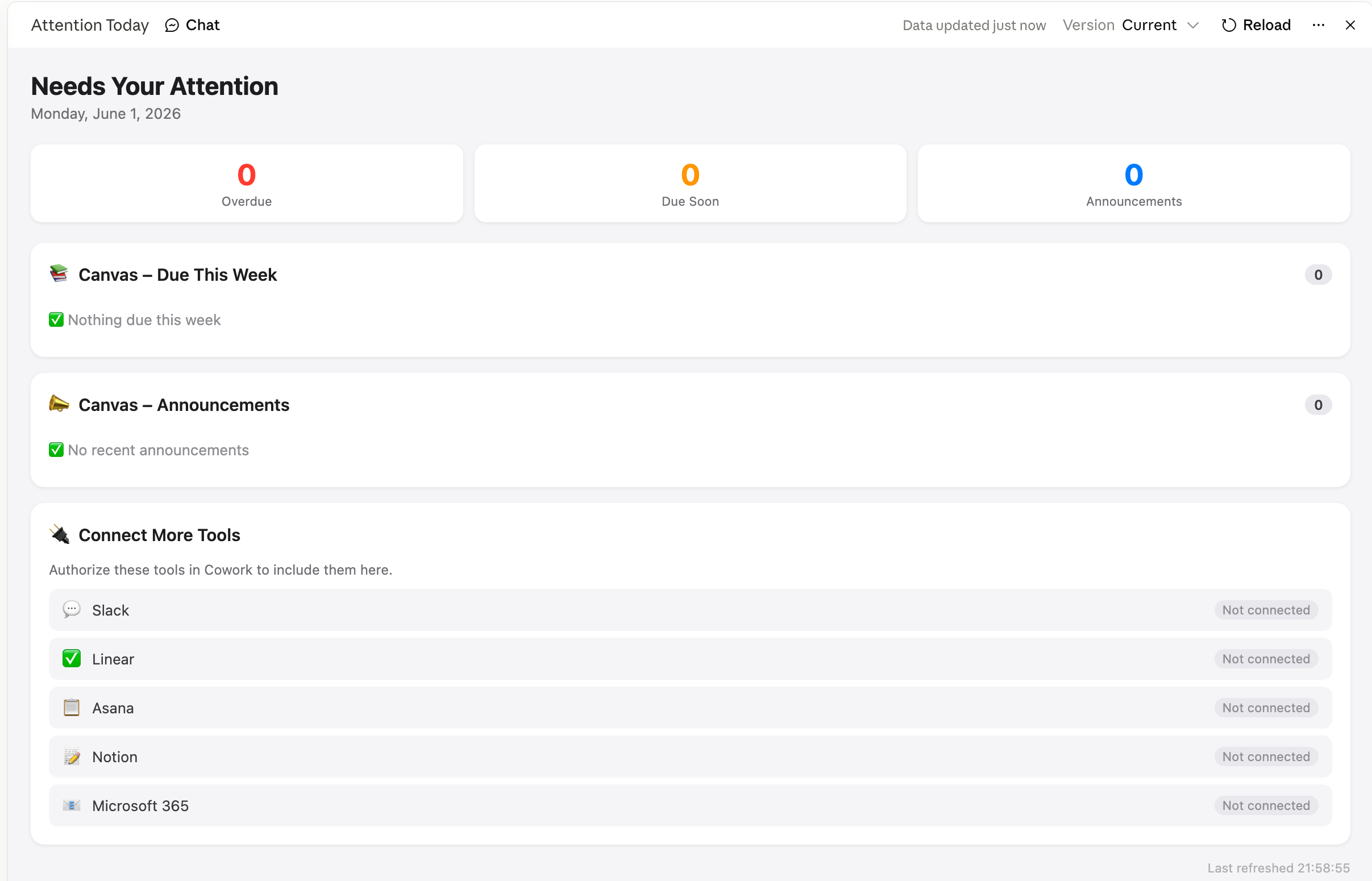
The repository includes a worked brief, the exact prompt recipe, and a standalone mockup of the dashboard, so the look can be developed offline against sample data that mirrors the real tool output.
On security
A Canvas token has the same access as the account behind it, so the server is deliberately careful with it:
- HTTPS is enforced. A plain http base URL is rejected, so the token is never sent in the clear.
- Pagination is origin-pinned. The server only follows “next” links that resolve back to the configured Canvas host, so a crafted API response cannot redirect credentials to another server.
- The token is never logged, and untrusted error responses are truncated before being surfaced.
Where it is heading
Next steps are richer artifacts (a semester planner and a grade-trend view) and a cleaner first-run setup. Issues and pull requests are welcome on the repository.